
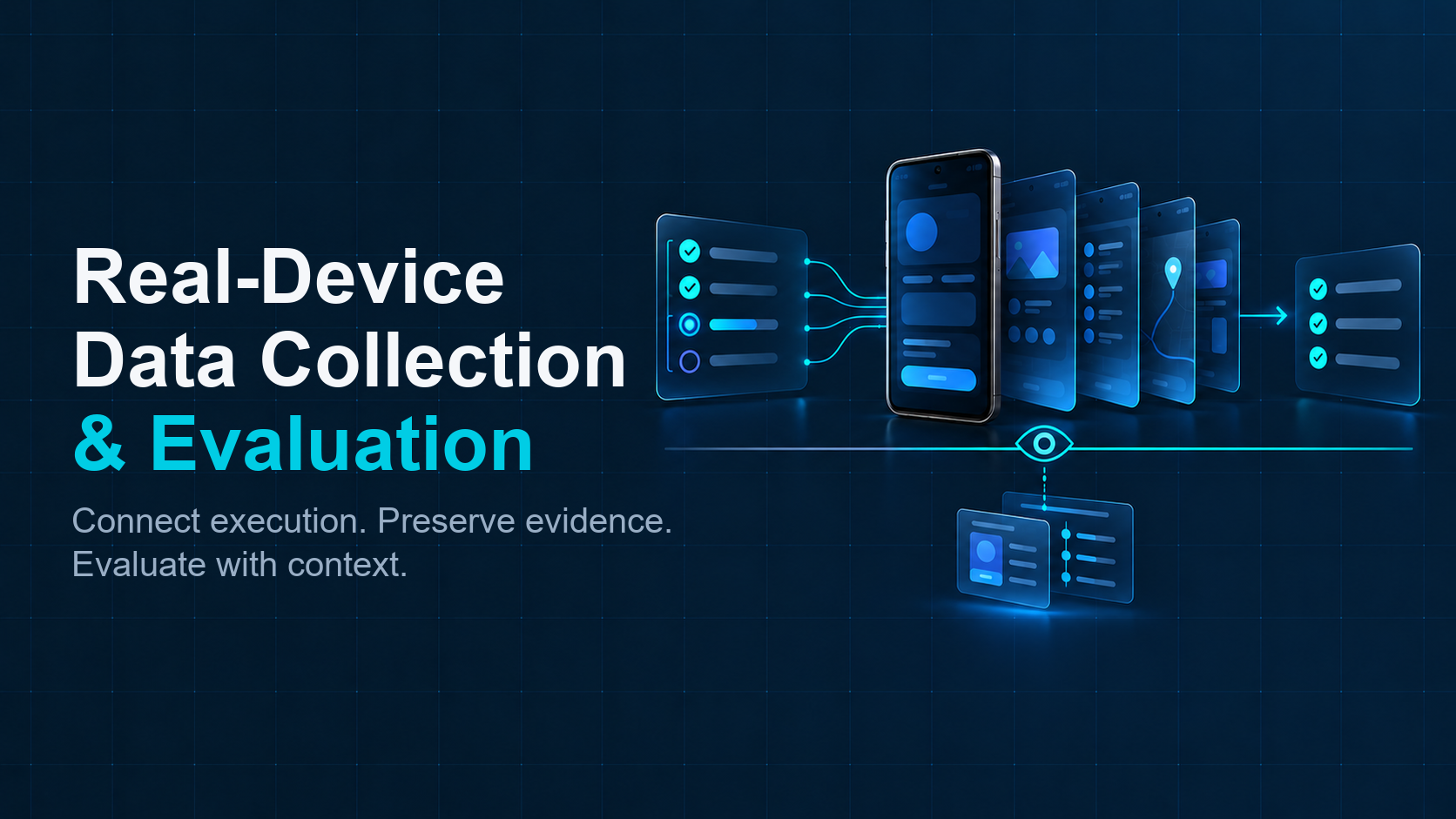
Mobile AI teams often begin with a practical question: how can an agent, benchmark, or QA workflow run against real Android devices and return results that the rest of the system can use?
Connecting to a phone is only one part of the answer. A usable data collection and evaluation layer must connect a task to an eligible device, make execution observable, preserve the evidence and context, and return an outcome that can be reviewed or processed downstream. The team may already have an agent runtime, scheduler, dataset store, or evaluation harness. The infrastructure should fit those systems instead of requiring every function to be rebuilt in one place.
That distinction matters. A device interface provides access to hardware. A workflow layer connects that access to tasks, attempts, observations, artifacts, and evaluation. The layer can span multiple services and ownership boundaries; it does not have to be one monolithic product.
Start with the systems that already own the work
Before drawing an architecture, identify where each responsibility lives today. The agent or test runner owns task intent. A workflow service may create runs and assign devices. Device infrastructure exposes physical Android execution. Storage retains observations and artifacts. An evaluation service applies criteria and returns a result.
These responsibilities can be implemented in one service or distributed across existing systems. The important point is that the interfaces preserve enough context to connect them. Public device services and dedicated fleets can also remain under separate management systems when their access, tenancy, or operating rules differ. Integration can happen at the workflow and evidence boundaries without forcing a common control plane.
Think of the layer as a set of connected responsibilities:
- Workload context: the task, application and build, relevant starting conditions, and the version of the agent or test logic.
- Device execution: the selected physical device, its current context, the requested interaction, and the observed device-side result.
- Evidence record: action records, resulting observations, screenshots or state snapshots, timestamps, task and attempt identifiers, device context, and error or recovery events.
- Evaluation: the completion condition, the evidence used to judge it, and a result such as pass, fail, or inconclusive.
The same run identifier should carry through those boundaries, while attempt and action identifiers distinguish retries and individual interactions. A device identifier answers which target ran the work; it should not stand in for the task or the attempt.
Consider a benchmark that asks an agent to change a workspace setting and verify that it persists. The benchmark owns the task and expected condition. A workflow creates the run and attempt, selects an eligible device, and passes the required app and starting context to execution. The device layer returns events and observations; the artifact store retains screenshots or state snapshots; the evaluator checks the expected condition and returns a result linked to the same attempt. Each system keeps its responsibility, while the identifiers make the handoffs inspectable.
Keep device access separate from workflow semantics
An API call can list devices, change a setting, launch an app, or send a command. That interface is useful, but the caller still needs to know what the request means in its own workflow. Is this a new task or another attempt? What state should exist before execution? Which observations are required? What should happen after a timeout?
Keep these meanings in a task or workflow layer that the customer can inspect and adapt. The device interface should report what it can confirm, while the workflow maps those events to its own lifecycle. Request accepted, action dispatched, device state observed, evidence stored, and outcome assessed are different events. Combining them into a single “success” response hides where a run stopped.
This separation also keeps integrations practical. A team can use its existing orchestration and evaluation systems, then connect the device layer through APIs or other supported interfaces. It can add a small adapter for identifiers, event formats, or artifact references without replacing its entire data platform.
Make evidence a first-class output
The output of a real-device run is not only a final label. A useful record lets another person understand how that label was reached. Retain the task and attempt identifiers, device and software context, action records and resulting observations, timestamps, relevant screenshots or state snapshots, and any error, retry, or recovery event.
Store large artifacts separately when needed, but keep stable references to them in the run record. Preserve the relationship between the task, each attempt, its actions, the device, and the evaluation. If a retry occurs, retain the earlier attempt so a later result does not erase uncertainty or a failure that may matter.
This creates a path from interaction to usable data: intent explains what the agent was asked to do; observations show what happened on the device; context explains the conditions; and evaluation states what the evidence supports. ARMARRAY’s earlier article, From Raw Interactions to Evaluation-Ready Mobile AI Data, examines how that record becomes interpretable data.
Design the evaluation boundary explicitly
Evaluation should be able to identify the criterion it applied and the evidence it considered. Keep the criterion version with the result. If an image, state snapshot, or event is missing, the system should distinguish an incomplete evidence path from an observed task failure.
Not every evaluation belongs inside the device platform. A customer may use a benchmark harness, an internal quality system, or a model-specific evaluator. The device layer needs to return evidence and execution context in a form those systems can consume. A project may add a custom evaluation integration when its workflow requires one.
The result should describe the scope it actually covers. One workflow, one app build, or one device configuration can answer a bounded question. It does not automatically represent other apps, devices, or operating conditions. If the question expands, the task matrix and evaluation criteria should expand with it.
Treat operations as part of the data path
Physical devices bring operational needs that software interfaces alone cannot resolve. Power, cooling, network connectivity, device readiness, software preparation, and maintenance affect whether a run can start and how its result should be interpreted. The team needs a way to identify unavailable or unsuitable devices before assignment and to make exceptions visible during execution.
At small scale, a person may handle some preparation manually. As use becomes recurring, teams can automate eligibility checks, allocation, preparation, recovery, and reporting according to their own operating model. Those workflow choices are not universal product defaults: they depend on the customer’s apps, account fixtures, network, security boundaries, and acceptance rules.
The system should preserve the distinction between configured conditions and what was observed. It should also make device or software changes visible, so a changed baseline is not silently mixed with earlier runs. These operational records help explain data quality; they are part of the collection process, not merely infrastructure housekeeping.
Build the layer around interfaces, not a single control system
A useful architecture starts with a few stable contracts: how work is described, how a device target is identified, how an attempt is tracked, how observations and artifacts are referenced, and how an evaluation result points back to its evidence. The implementation behind each contract can change without breaking the rest of the workflow.
That approach supports different deployment patterns. A public device service may be suitable for short or variable workloads; a dedicated fleet may fit sustained or private workloads. Some organizations use both. Their management systems do not need to be joined by default. The customer can connect each environment to the workload that needs it and normalize the run records at the boundary where results are compared.
For a broader discussion of how device interfaces connect to customer data pipelines, see How APIs Connect AI Data Pipelines to Physical Android Devices. The design question is not whether one API can do everything. It is whether each interface has a clear responsibility and returns enough context for the next system to act correctly.

Where ARMARRAY Fits
ARMARRAY provides real Android infrastructure for Mobile AI data collection and evaluation. This infrastructure can support customers’ internal workloads or serve as the foundation for device services they build themselves.
It provides the physical execution foundation and IaaS/PaaS capabilities, with private deployment available. Its role is to connect customer systems to real Android execution. Teams can retain their existing task logic, datasets, and evaluators while using physical devices for workloads that require real Android behavior. For an initial project, a small POC can help validate whether the integration preserves the execution context and evidence needed to inform the next decision.
Connect the run to the decision
A real-device data collection and evaluation layer is not defined by how many services or dashboards it contains. It is defined by whether a task can reach the right physical context, whether execution and evidence remain connected, and whether the result can support the decision the team needs to make.
Start with the systems already in place. Define the task and attempt boundaries, connect device execution through clear interfaces, preserve evidence and operational context, and return an evaluation that points to its basis. Add orchestration or custom integrations where the actual workflow requires them.
Real-device infrastructure is most useful when it supports more than device access: it should help teams connect execution, observations, and evaluation into a workflow they can inspect, repeat, and improve.